Assets and Sensors Overview
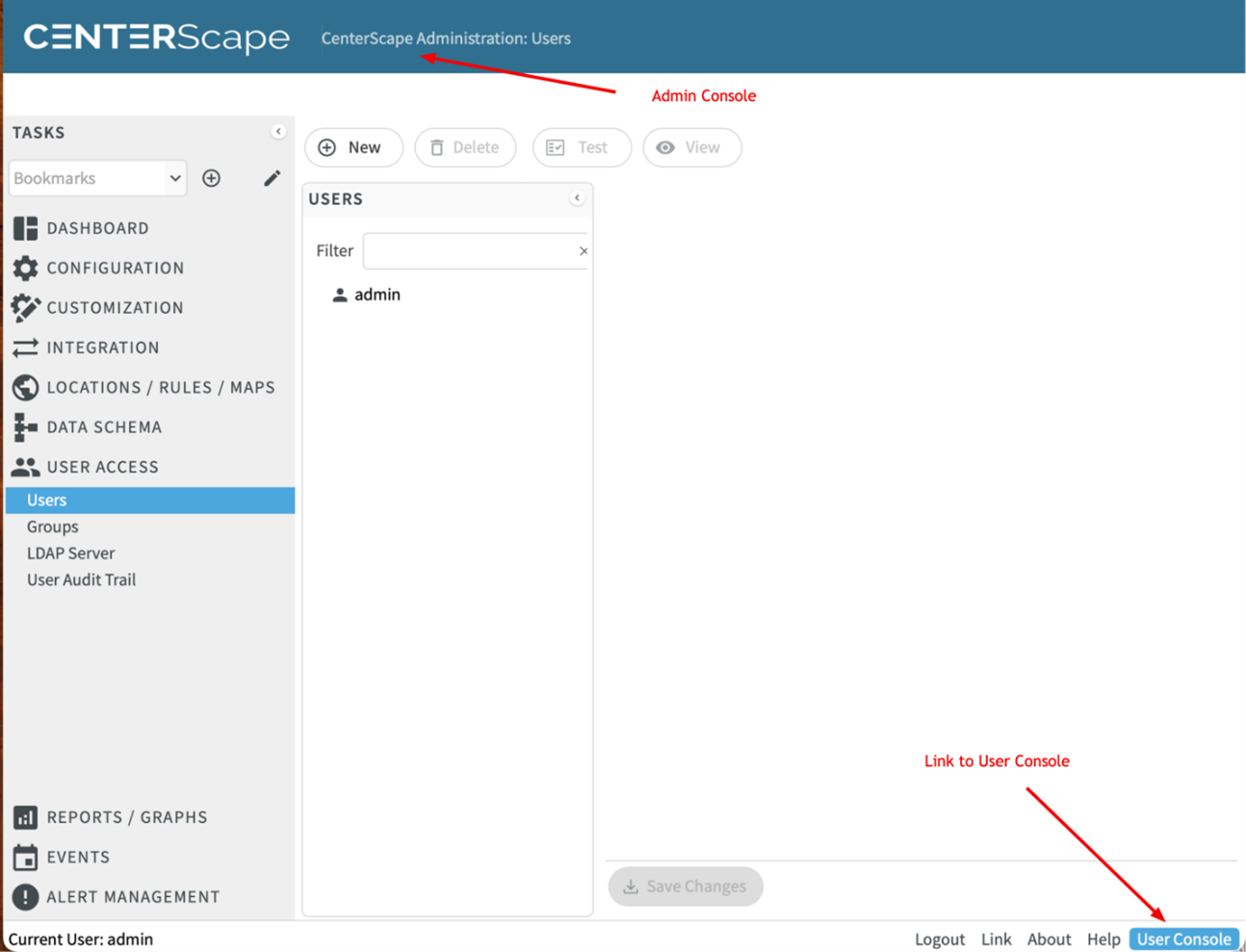
Adding assets into CenterScape is done interactively via the User Console. If a user is logged into the Admin Console there will be a link to the User Console on the bottom right. Clicking on this link will switch to the User Console.
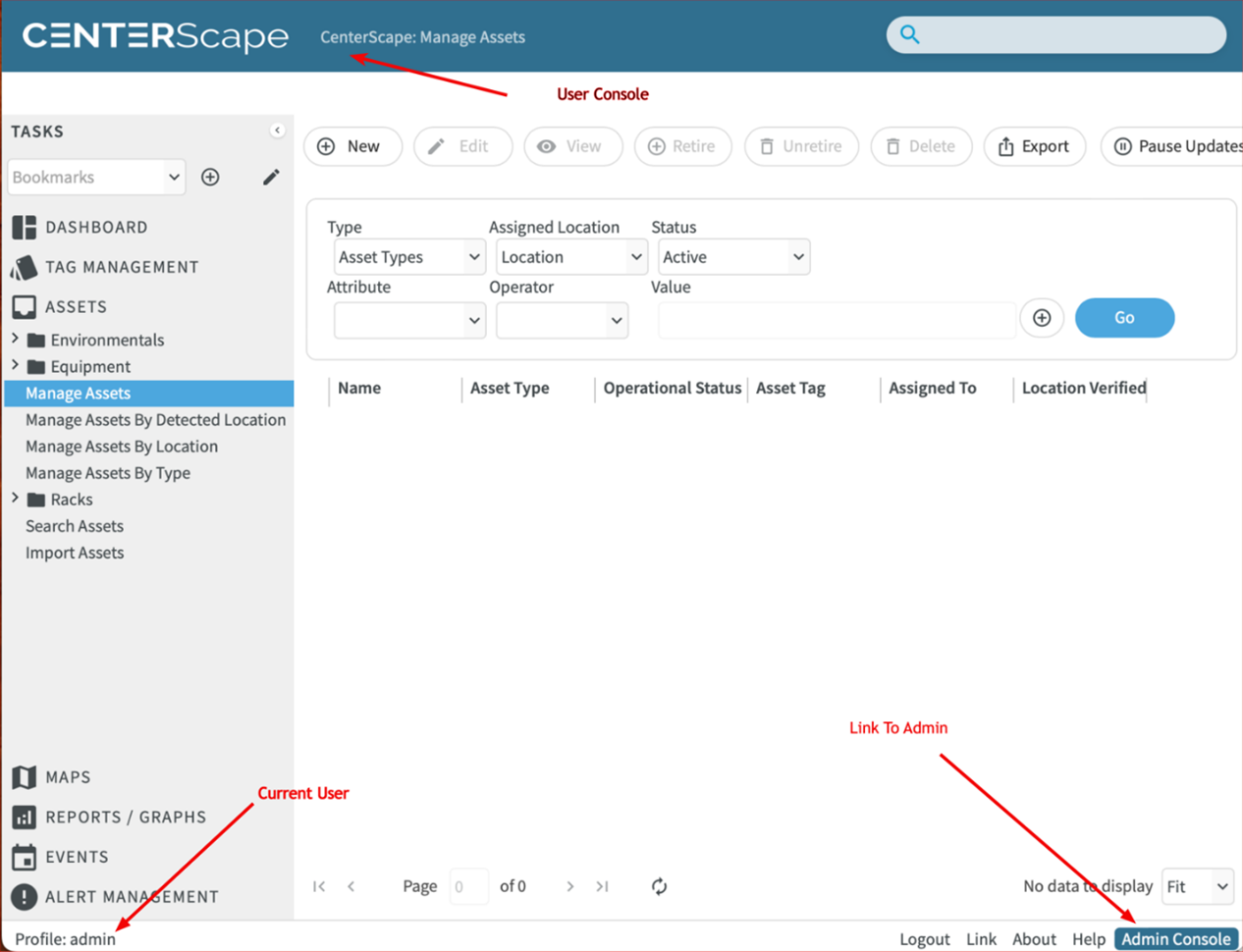
The User Console will have a link to the admin console and have the Tag Management and Assets menu items on the left menu.
Centerscape uses the general term “assets” for assets like servers or things that need to have their location tracked as well as for sensors whose main purpose is to report the values of things like temperature or whether a door is open or closed. The “asset” in CenterScape will store current values for attributes that are entered by users, such as name, description, assigned location, and any other field entered by users. These assets also store the current values and historical values of attributes whose values are derived from tags like detected location, online status, temperature, etc.