Creating Locations
To create a location, click on the parent location that the new location will have and select the New Location button. The right click menu on a location node will also have a selection for New Location if that is preferred. The name for the location is the human readable name. When the name is entered an ID is created as well as a suggestion. The ID may be modified to any legal value. The ID for a location is immutable and is limited to upper and lower case alpha characters, numbers and underscores. The ID for every location must also be unique within from any other location in CenterScape. Once a location is created the Name can be changed but the ID cannot be changed. The name of a location has no unique constraint. The Description field can be used to describe the location but is only viable in the admin console or via the API.
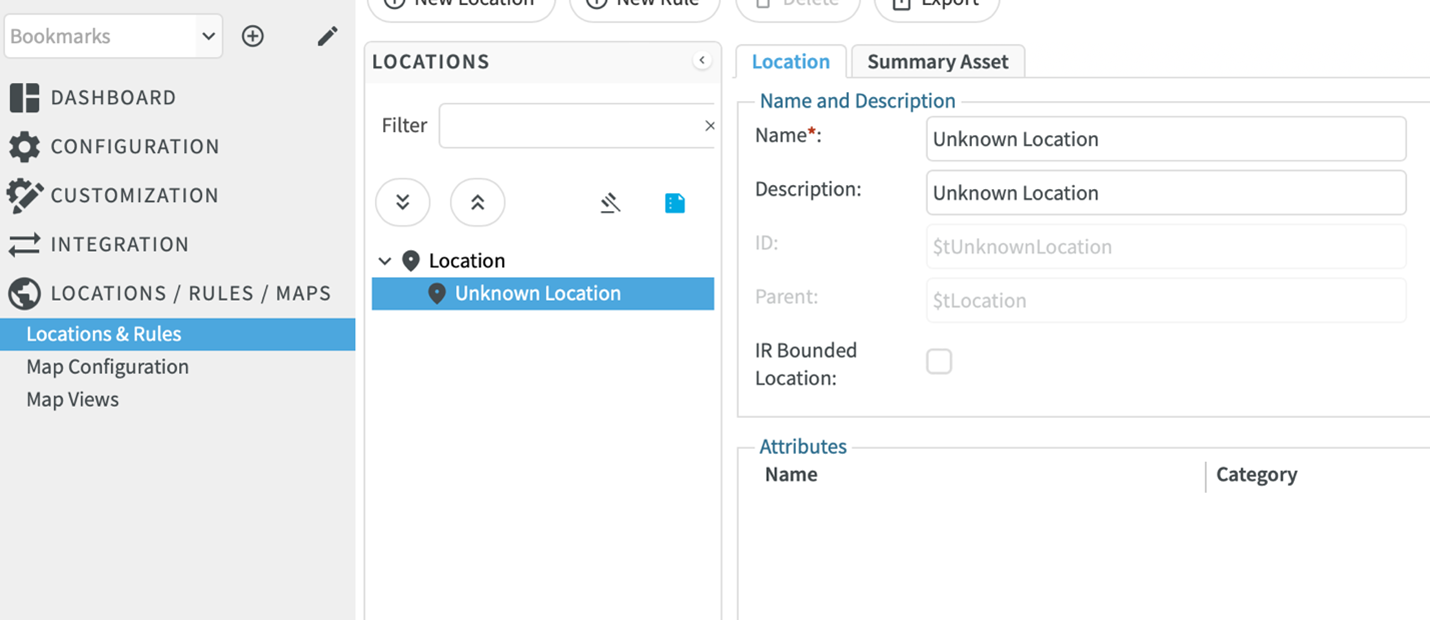
Once a location is created the ID of the location is immutable, but so is the parent location of the newly created location. If the location must be moved to a different point in the location tree, then it must be deleted and re-added in the new location. Any sublocations must also be deleted so it is important to create physical locations properly.